 Roman Poliashenko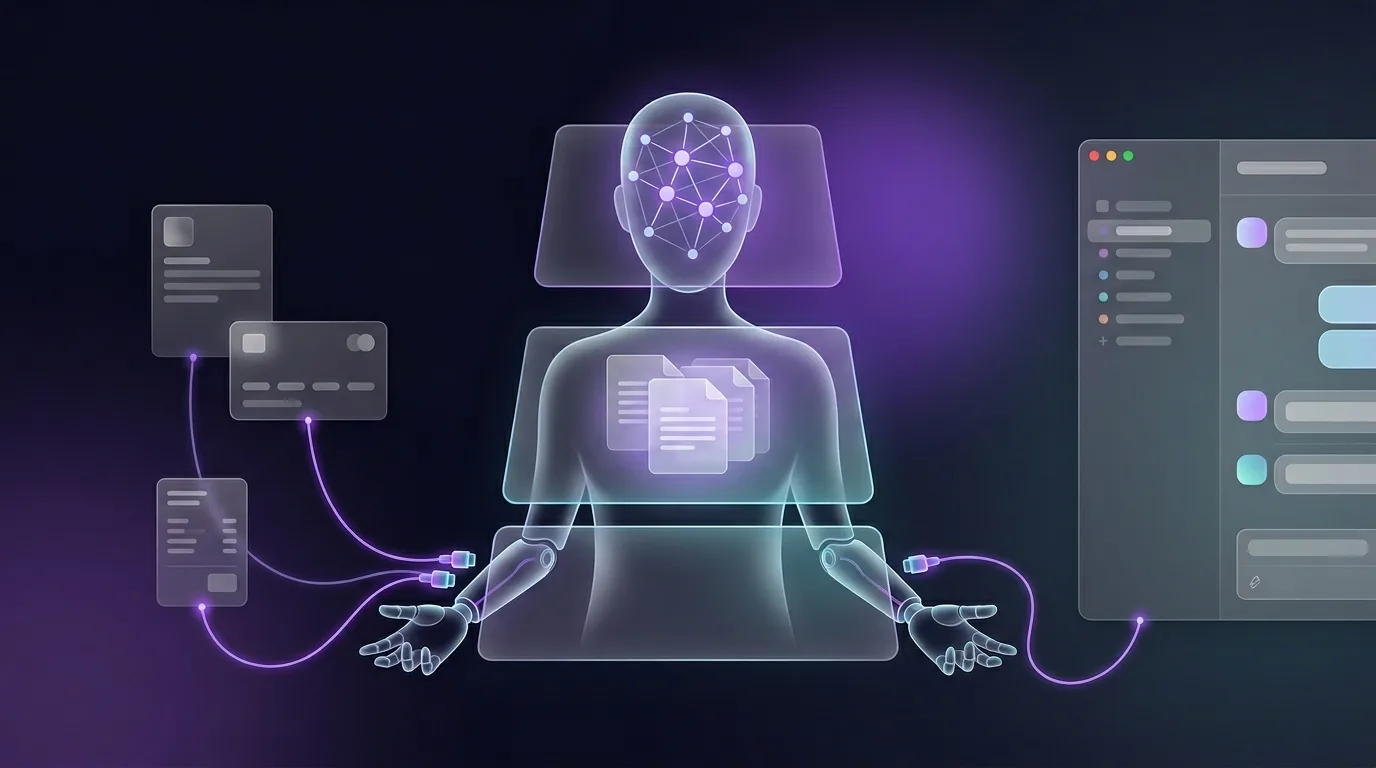
We build AI agents for companies, and at the start I hear the same confusion every time: MCP, RAG, "agents", LangGraph, the orchestrator — people lump them together and assume they're competitors or synonyms. They aren't. They're three distinct layers, and only together do they give you an employee rather than a chatty demo.
ChatGPT in a browser tab is not an AI employee. It doesn't know your business and can't do anything in it. A real agent = thinks + knows your company + acts in your systems. Below is how it's assembled technically, with code, and where the traps are.
Three layers: memory, hands, head
A simple way to stop confusing them: picture an employee. They need memory (to know your business), hands (to act in systems) and a head (to decide what to do). Each layer covers exactly one of those needs.
RAG is the memory
RAG (retrieval-augmented generation) "grounds" the model's answers in your specific, current data — policies, catalog, knowledge base, customer history. The mechanics are simple: your documents are split into chunks, each chunk becomes a vector (embedding) and goes into a vector database. On a query you retrieve the few most relevant chunks and feed them into the model's context.
1. docs → chunks → embeddings → vector DB (once + on updates)
2. user query → embedding → top-k similar chunks
3. chunks + query → LLM → answer grounded in YOUR data
Why not just "fine-tune the model on our data"? Because fine-tuning is expensive, slow, and must be repeated every time a price or policy changes. RAG updates instantly: edit a document, re-index, and the agent already answers the new way. Fine-tuning teaches style; RAG provides facts.
MCP is the hands
MCP (Model Context Protocol) is an open standard from Anthropic through which the agent reads and writes to external systems over one client-server protocol. Instead of writing bespoke "glue" for every integration, you stand up an MCP server (your own or off-the-shelf) that exposes a set of tools and resources. Any agent that speaks MCP can use them immediately.
# the MCP server declares the tool — the agent needn't know your CRM directly
@server.tool()
def get_order(order_id: str):
    "Returns the status, items and total of an order from the CRM."
    return crm.fetch_order(order_id)
The value is in the decoupling: one MCP server serves many agents, and one agent reaches many systems (CRM, ERP, payments, store, delivery) via an MCP client. That's the difference between a "zoo of bespoke integrations" and one bus where adding a new system = standing up one more server.
The orchestrator is the head
The orchestrator (an agent framework, in practice often LangGraph) is the layer that plans autonomously: decomposes the task, picks a tool, executes the action, looks at the result and decides the next step. It's not "one prompt, one answer" but a "thought → action → observation" loop that runs until the task is done.
while not task_done:
    step = llm.decide(state, available_tools)      # head
    if step.needs_data:      result = rag.retrieve(...)     # memory
    if step.needs_action:    result = mcp.call(step.tool)   # hands
    if step.is_critical:     wait_for_human_approval()      # HITL
    state = update(state, result)
This is where branching, retries on failure and human-in-the-loop live: the orchestrator can pause execution and wait for a human's button before doing anything irreversible.
How it works together: a product return
A customer asks to process a return for ₴4,200. The execution trace:
Orchestrator: decompose → [find order, check policy,
                           file return, refund, update CRM]
  MCP   get_order("#1487")          → "delivered", 1 item, ₴4,200
  RAG   retrieve("return policy")   → "14 days, no signs of use"
  Orchestrator: conditions met, but amount is large → HITL
  Slack: "Return #1487 for ₴4,200 matches policy. Approve refund?"
         [✓ Approve]  [✗ Decline]
  Human: ✓
  MCP   create_return("#1487") + refund(4200) + update_deal("#1487","Return")
  Slack: "Done: return filed, funds refunded, deal updated."
No single layer could do this alone: RAG without MCP just recites the policy, MCP without an orchestrator waits to be driven, and a "bare" LLM will confidently invent the policy, the order number and the refund itself.
Architecture: how the layers connect
At the top, Slack is the interface. A message from a channel goes to the orchestrator. The orchestrator holds the conversation state and on each step reaches either into the RAG retriever (memory) or, via an MCP client, into MCP servers (hands) that hit the real APIs of your systems. Critical actions return to Slack as an approval button. All of it with every step logged.
Slack ── orchestrator (LangGraph)
            ├── RAG retriever ── vector DB (your documents)
            ├── MCP client ── MCP servers ── CRM / ERP / payments / store
            └── HITL ── approval button back in Slack
Where the team talks to it: Slack
The agent needs one interface where the whole team works with it. We use Slack: the agent joins the workspace as a member, you address it by mention or slash command, and channels become context — one for sales, one for support, one for a focus group. The same message in #sales and #finance has a different set of allowed actions.
Security here isn't optional — it's part of the architecture:
- Permissions and scopes — who on the team can ask for what, and which actions are allowed in which channel.
- SSO and authentication — the agent acts on behalf of the company, not "someone"; actions are tied to a real user.
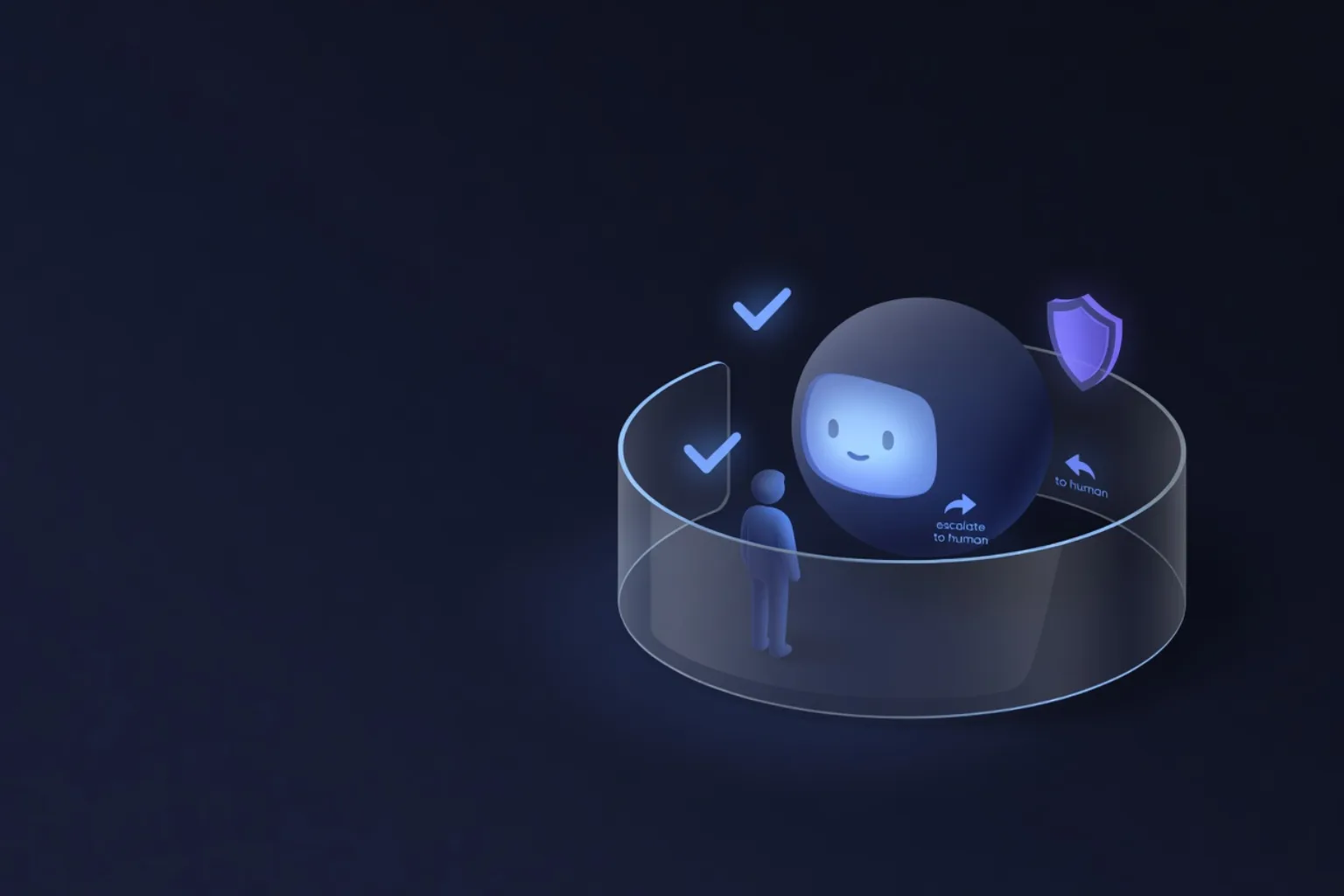
- Human-in-the-loop — critical actions (refund, mass broadcast, deletion) are sent for one-button approval.
- Separate roles/agents per department — so a sales manager can't reach into finance via chat.
- Audit — every tool call and every approval is logged: who, what, when.
Traps we stepped on
- RAG on dirty data. If the knowledge base holds contradictory or stale documents, the agent will confidently cite garbage. The memory has to be kept clean.
- Giving the agent everything at once. Without scopes, the first "creative" prompt reaches where it shouldn't. Fewer permissions, calmer sleep.
- Critical actions without HITL. Irreversible actions (money, broadcasts, deletions) go through human approval until you trust the metrics.
- An orchestrator without logs. If you can't see the "thought → action" chain, you can neither debug it nor prove what happened.
Where to start
Don't try to build a "universal employee" at once. Take one scenario (a return or "where's my order"), turn on human escalation from day one, set up the memory (RAG) and 2–3 MCP tools. If it works, expand the set of actions; if not, wind it down honestly. The architecture (RAG + MCP + orchestrator) stays the same — only the number of tools grows.
Why this matters now
A year from now the question won't be "do you have a website and a CRM", but "do you have an agent that works inside them — and where does the team talk to it". RAG, MCP and the orchestrator aren't three buzzwords — they're three answers to "memory, hands, head".
A shorter version of this article was also published on DOU (in Ukrainian): dou.ua/forums/topic/60070.