 Roman Poliashenko
Automated support integrated with KeyCRM means an AI agent right in your KeyCRM Chats (and, if needed, on the phone) answers order-status and stock questions itself, pulling data straight from KeyCRM via its OpenAPI, and hands complex cases to a manager in the same KeyCRM inbox. Here is how it works and how to implement it.
What is automated support integrated with a CRM?
It is an AI agent that sits in your channel (chat, phone) and pulls answers from your systems in real time, not from templates. It is wired into the sources of truth: KeyCRM (orders, stock), the site catalog (specs) and a knowledge base (FAQ). Without these integrations a bot stays a voicemail; with them, it is an operator working 24/7.
Can you connect an AI agent to KeyCRM?
Yes. KeyCRM has a REST OpenAPI (openapi.keycrm.app/v1) through which the agent reads order data (status, tracking, delivery), checks stock, creates leads, while KeyCRM webhooks push order-, payment- or lead-status changes for proactive messages (e.g. "order shipped, here's your tracking"). So the agent closes the most common support questions with data from your CRM, without a manager doing it by hand.
How it works: architecture
The AI agent becomes an integration layer between your KeyCRM Chats and your data, routing each question to the right system:
| Customer question | Source of truth |
|---|---|
| Order status, tracking, shipping | KeyCRM (orders API) |
| Availability / stock | KeyCRM (warehouse) |
| Specs, description, price | Site catalog (RAG / site-API) |
| Shipping, returns, FAQ | Knowledge base (RAG) |
| Lead / return request | KeyCRM (create + log) |
| Complex / conflict | Operator (HITL) |
All actions are tools of one MCP server (get_order_status, check_stock, get_product, search_kb, create_lead). The same layer serves both the text chat and voice — only the input channel changes.
Important: the agent works right inside your KeyCRM Chats, and your managers reply from the same KeyCRM Chats inbox — no separate chat widget to install and no new tool for your team to learn.
Steps to integrate with KeyCRM
- Access. Get a KeyCRM API key, connect the OpenAPI
openapi.keycrm.app/v1(60 req/min — cache frequent calls). - Connectors. Wrap endpoints (orders, offers/stock, buyers) as MCP-server tools; index the site catalog into RAG.
- Intent routing. The agent detects the question type and calls the right tool.
- KeyCRM Chats. Connect the agent to your native KeyCRM Chats (web, Telegram, WhatsApp, Viber, Instagram) — no separate chat widget to install.
- Proactive. Subscribe to KeyCRM webhooks (order-, payment-, lead-status) → the agent itself writes "shipped, here's your tracking".
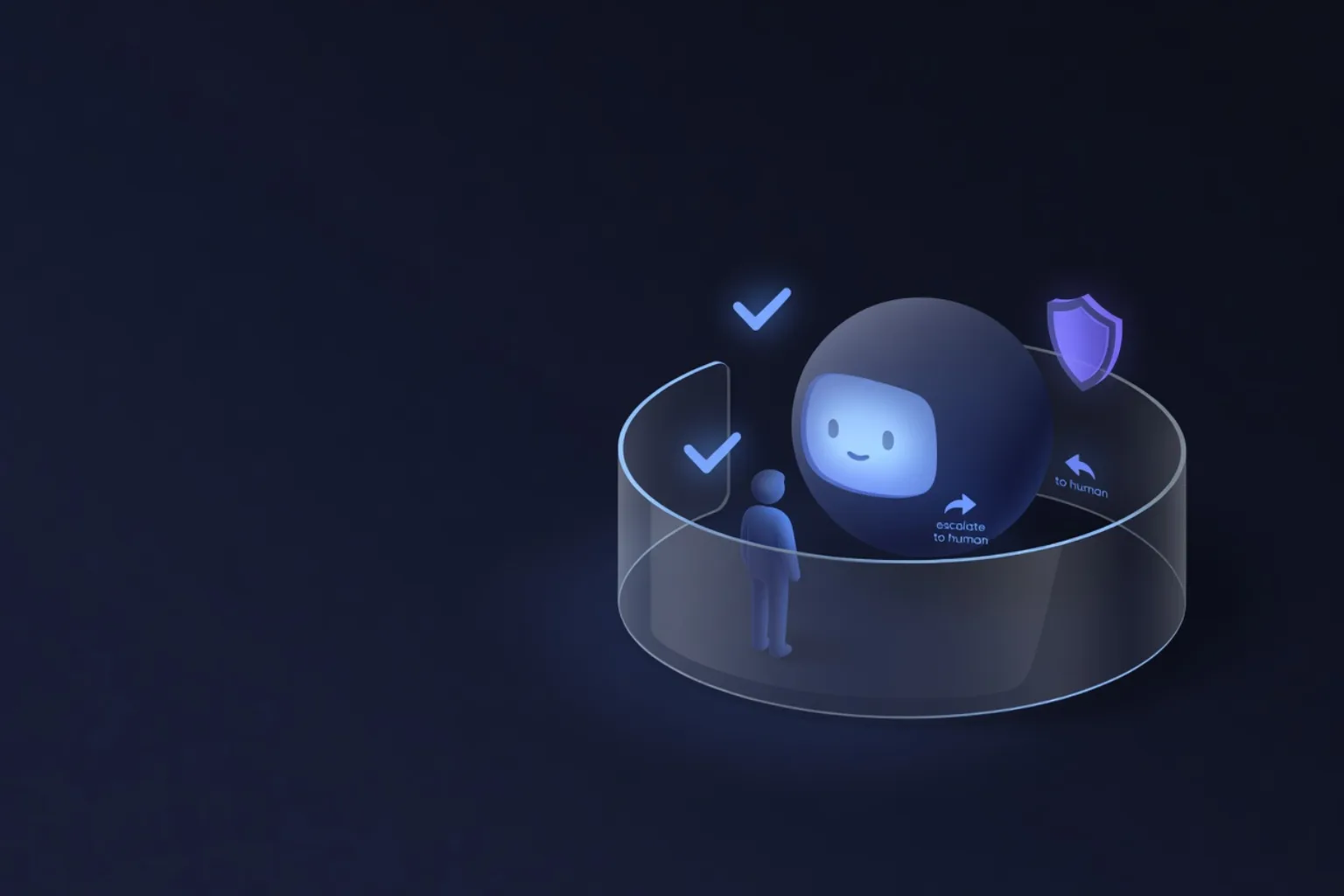
- HITL. The agent assigns the complex chat to a manager and leaves an AI summary note; the human continues in the native KeyCRM Chats inbox.
Which questions the agent closes itself, and which it doesn't
Itself: "where is my order", "when will you ship", "is it in stock", product specs, common FAQ, filing a request/return. To a human: conflicts, non-standard claims, anything where the cost of a mistake is high. This is not "AI instead of people" but the right split: routine to the machine, complex to the operator.
Text or voice — and can you do both?
The same integration layer works for both: in chat the agent replies in text, on the phone in voice (Ukrainian STT/TTS), pulling data from the same KeyCRM tools. You can start with text in chat and add voice on inbound calls later without reworking the integrations.
How much does it cost to implement?
There is no separate fee for the integration — it is part of deploying the agent. We start with a pilot on a single scenario (usually "order status") to measure the impact before a full rollout. Honestly: for low call/chat volume the integration won't pay off — and we say so.
Results
In our deployments up to 80% of inquiries are closed without an operator. Call +380 63 020 44 91 to hear a live Ukrainian-speaking agent on the same stack.