 Roman Poliashenko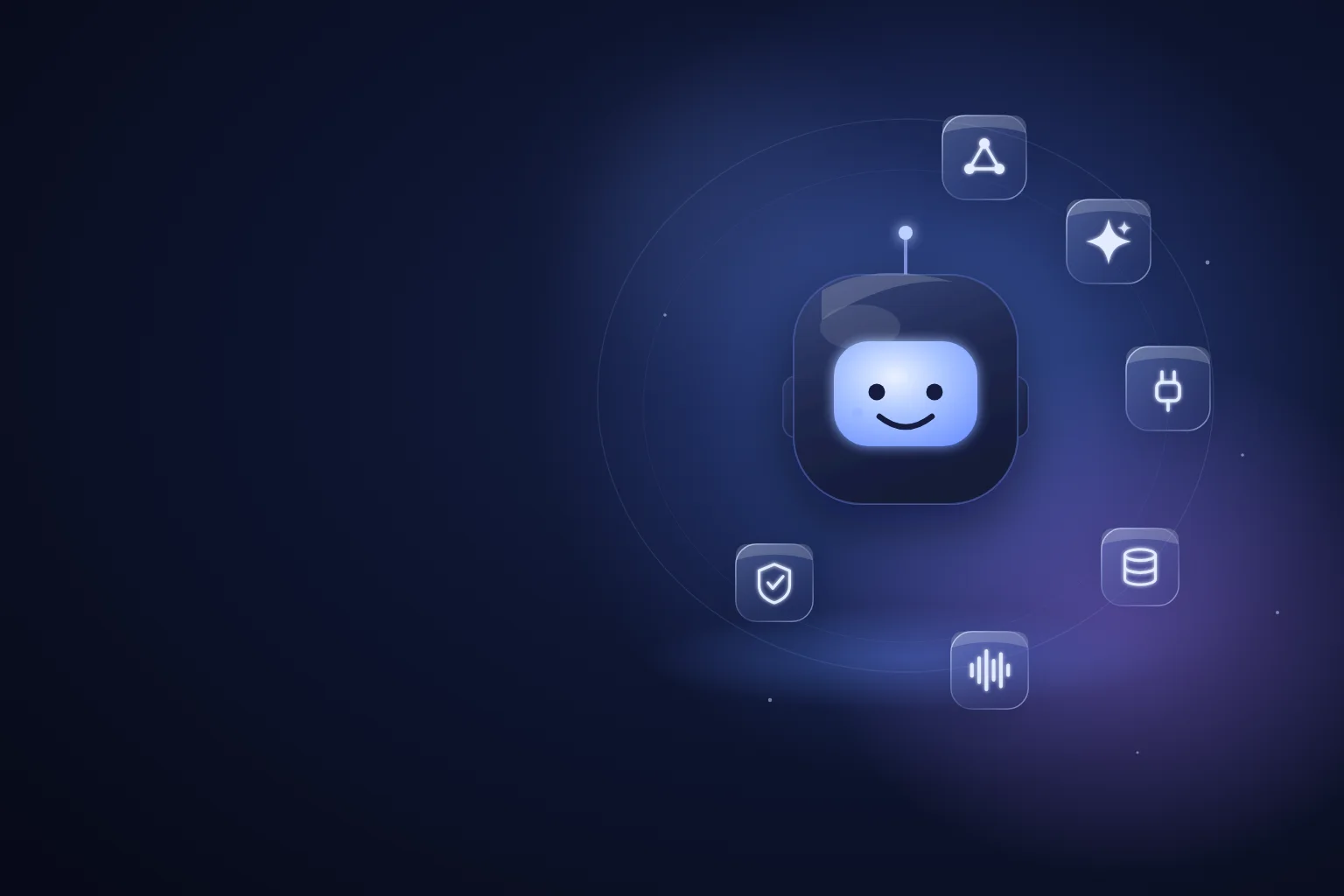
When a business says «I want a digital employee», there's usually one picture in mind: some magic tool where you type in the task and it's done. Reality is different and, honestly, more interesting. A digital employee is not one product but a stack of several layers, each with its own tools. The question «which service do I build this with» is almost always the wrong one. The right one is «which layers do I assemble for my specific task». Below is a field guide to those layers: what's in each, which tools and platforms actually work in 2026, and where the no-code builder ends and a custom build begins.
First, let's agree on what a «digital employee» is
So we don't confuse terms: a chatbot answers messages, while a digital employee owns a role. It has an area of responsibility (say, «initial lead qualification» or «order-status support»), access to company systems, the right to take actions — and clear bounds it doesn't cross. That's the difference between a «smart form» and a colleague who actually closes a piece of work end to end and calls a human where needed.
That's exactly why you can't «buy it with one button». A role is made of layers, and each layer is a separate engineering decision. Let's walk them bottom to top.
Layer 1. The brain — the base model (LLM)
This is the foundation: a large language model that understands and generates text, and often voice and images directly. There are three big closed-model providers — Anthropic Claude, OpenAI GPT and Google Gemini — plus a growing world of open models (Llama, Mistral, Qwen, DeepSeek) you can run on your own infrastructure when privacy or cost is critical.
The main mistake at this layer is thinking «the strongest model = the best choice». In reality, choosing a model is a trade-off between four things: how hard the task is, how fast you need the answer, what language your customers speak, and what it costs at scale. For a live phone conversation, speed is decisive, and a lighter model is often better than a «smarter» but slower one. For complex document analysis it's the reverse. In practice, different steps of the same agent can run different models: a strong one where thinking is needed, a lighter one where fast reactions are.
Layer 2. The will — orchestration and agent frameworks
A bare model can answer a single message. But an «employee» has to run a multi-step process: clarify, go into a system, check, make a decision, hand off to a human if needed — and remember which step it's on in this conversation. That's what orchestration handles.
For simple cases a single model call with tools is enough. For more complex processes you use agent frameworks — the «conductors» that hold state, branches, retries and control handoff. In 2026 the most common are LangGraph (models the agent as a state graph, handy for complex logic and control), LlamaIndex (strong where there's a lot of knowledge and document work), CrewAI and Microsoft AutoGen (for multi-agent «role» scenarios), plus the providers' native kits — OpenAI Agents SDK and Claude Agent SDK. The choice here isn't «which is trendier» but how much complexity the process really has: the most reliable solution is often the simplest possible one, not the most «agentic».
Layer 3. The hands — tools, integrations and MCP
An employee that only talks is a consultant. An employee that acts — creates an order, sets a status in the CRM, books a slot, sends an email. For an agent to act, you give it tools: described functions it can call (function calling). The model itself decides when to call «create a deal» or «check availability», and with what parameters.
The big change of the last two years is the arrival of MCP (Model Context Protocol), an open standard Anthropic proposed at the end of 2024 that quickly became an industry norm. Before MCP, every integration was hand-written for a specific agent. MCP is a «USB port for agents»: one standard way to connect an agent to a database, CRM, files, calendar or any system, and that same integration works with any model that supports the protocol. For business it means less one-off code and easier switching between models. In practice this layer is often the biggest part of the work: the «brain» comes out of the box, but cleanly wiring it into your systems and access rights is the engineering.
Layer 4. The memory — knowledge, RAG and context
A model knows the general, but not yours — your prices, terms, products, customer history. For the agent to answer with your company's facts rather than «off the top of its head», you ground it on a knowledge base. The classic approach is RAG (retrieval-augmented generation): your documents are split into chunks, indexed in a vector database, and before answering the agent retrieves the most relevant fragments and leans on them. It's the main defence against invention — we wrote about it in detail in the piece on guardrails and testing.
The tools of this layer are vector databases: Qdrant, pgvector (an extension to the familiar PostgreSQL), Pinecone, Weaviate, Chroma. But more important than the choice of database is the quality of the knowledge itself: half the work on a «smart» agent really goes into making the facts accurate, consistent and current. It's also worth distinguishing knowledge (what the agent retrieves on demand) from conversation memory (the context of the current dialogue and the customer's history) — these are different mechanisms, and confusing them is a common mistake we covered in the article on context versus memory.
Layer 5. The voice — realtime, recognition, synthesis and telephony
If the employee has to speak — by phone or in a widget — a separate layer appears that a chat agent doesn't have. There are two approaches. The first is a single realtime model (e.g. the OpenAI Realtime API) that listens and speaks directly, with minimal latency. The second is a three-part pipeline: speech recognition (STT, such as Deepgram), the model itself, and voice synthesis (TTS, such as ElevenLabs or Cartesia). Realtime gives a more alive conversation, the pipeline gives more control over each step.
On top of that comes real-time infrastructure and telephony: LiveKit and the pipecat framework to orchestrate the audio stream, plus SIP connectivity to phone carriers. And this is exactly where the traps that don't show up in a demo hide: barge-in, reacting to silence and background noise, latency. The voice layer is not «the same model but out loud»; it's a separate engineering of conversation, and we devoted a whole piece to timing to it.
Visual and no-code builders — where they fit
A separate category is visual builders where you assemble an agent from blocks with a mouse: n8n, Flowise, Langflow, Dify and the like. They're great when you need to quickly assemble a prototype, automate an internal process, or test an idea without development. We use visual builders ourselves where they save time.
But it's important to see the boundary honestly. No-code works well as long as you stay inside what the builder anticipated. The moment you need non-standard logic, fine guardrails tuned to your risk, deep integration with access rights, or production-grade voice behaviour — you hit the platform's ceiling. Then you either live with its limits or move to code. This isn't «no-code is bad» — it's a question of whether your task matches what the builder is sharpened for. Turnkey SaaS bot builders are the same story taken to the extreme: a fast start in exchange for someone else's frame.
Layer 6. Trust — evaluation, guardrails and observability
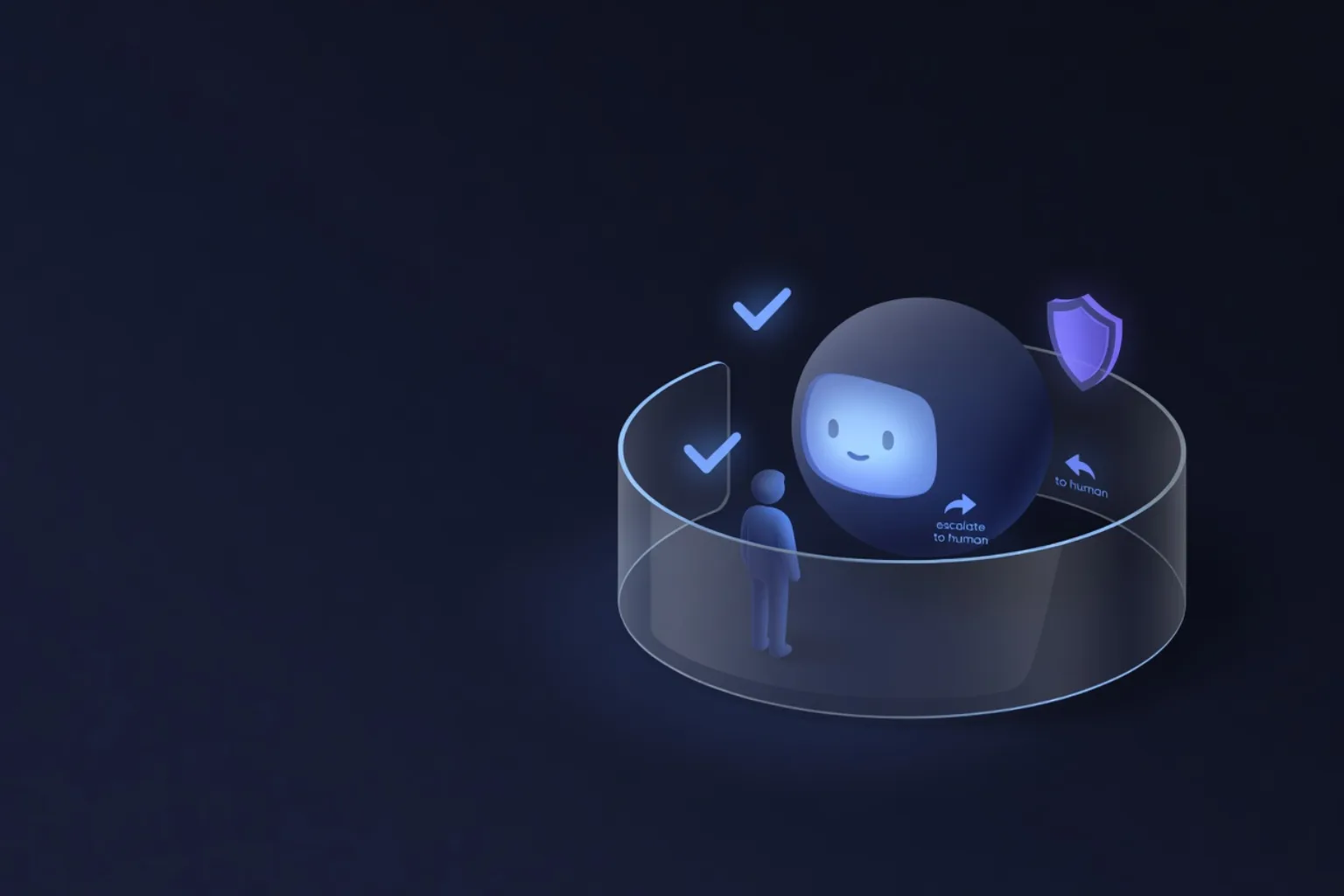
The most often forgotten layer — and it's exactly the one that separates a demo from an employee you can put in front of live customers. It includes three things. Guardrails — rules that keep the agent within bounds: allowed and forbidden topics, a ban on inventing prices, escalation to a human on uncertainty. Evals — checking that the agent answers correctly, not just «answers»: a set of adversarial scenarios and a judge model that scores each answer against metrics, re-run after every change. Observability — tools like Langfuse, LangSmith or Arize Phoenix that show what the agent actually said and did in each conversation, so you can find a problem and feed a new case back into the tests.
Without this layer you don't know whether the agent works — you only hope. And hoping about a conversation with your customer is a bad strategy.
Where all of this plugs in — business systems
Last: a digital employee is valuable not on its own but because it's embedded in your processes. It reads and writes to the CRM, opens deals, sets tasks, checks availability, updates statuses, sends messages in the channels you already work in. Technically it's the same «hands» layer (integrations, MCP, APIs), but from a business view this is exactly where the agent turns into an employee: not a separate toy on the side, but a participant in your daily flow of work.
How to assemble this for your task, not the other way round
The main idea is simple: there is no «one» tool for a digital employee. There are layers, and each task assembles a different combination of them. A simple support chat agent doesn't need a voice layer or heavy orchestration. A phone qualification agent critically needs a fast model and flawless voice, but a modest knowledge base may be enough. The mistake is dragging the maximum stack onto a task «because it's trendy» or, the reverse, trying to cram a complex role into a no-code builder that isn't sharpened for it.
That's why we, as an integrator, start not from the tool but from the role: what work we're taking over, in which channels, at what volume, where the cost of a mistake is high. And only then do we pick the minimal stack that reliably closes the task — not the longest list of technologies in a slide. A well-assembled simple agent almost always beats a complex one assembled «just in case».